



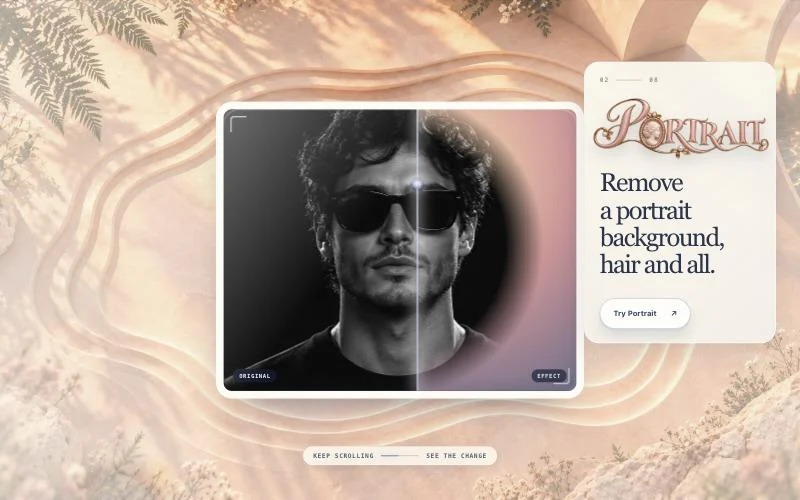


Harper collects free creative photo tools — background removal, blur, relighting, stickers and 3D photos — whose model inference runs in the browser instead of uploading the user’s image or audio to an inference service.
The app and selected model still need to download. Processing runs in a browser worker through WebGPU when available or WASM otherwise, and cached model files can persist after the tab closes. Clearing site data removes those files; the browser may also evict them.
The inspected build has no account, analytics, or file-upload endpoint. A real background-removal flow was verified using the bundled Silueta model, and on 2026-10-24 a Cut out with MODNet ran on the bundled sample while the page only downloaded files from wielder.de. Harper currently offers a curated tool set—it does not promise arbitrary local model loading.